Defending Against AI-Accelerated Attacks: What ARTEX Shows Defenders



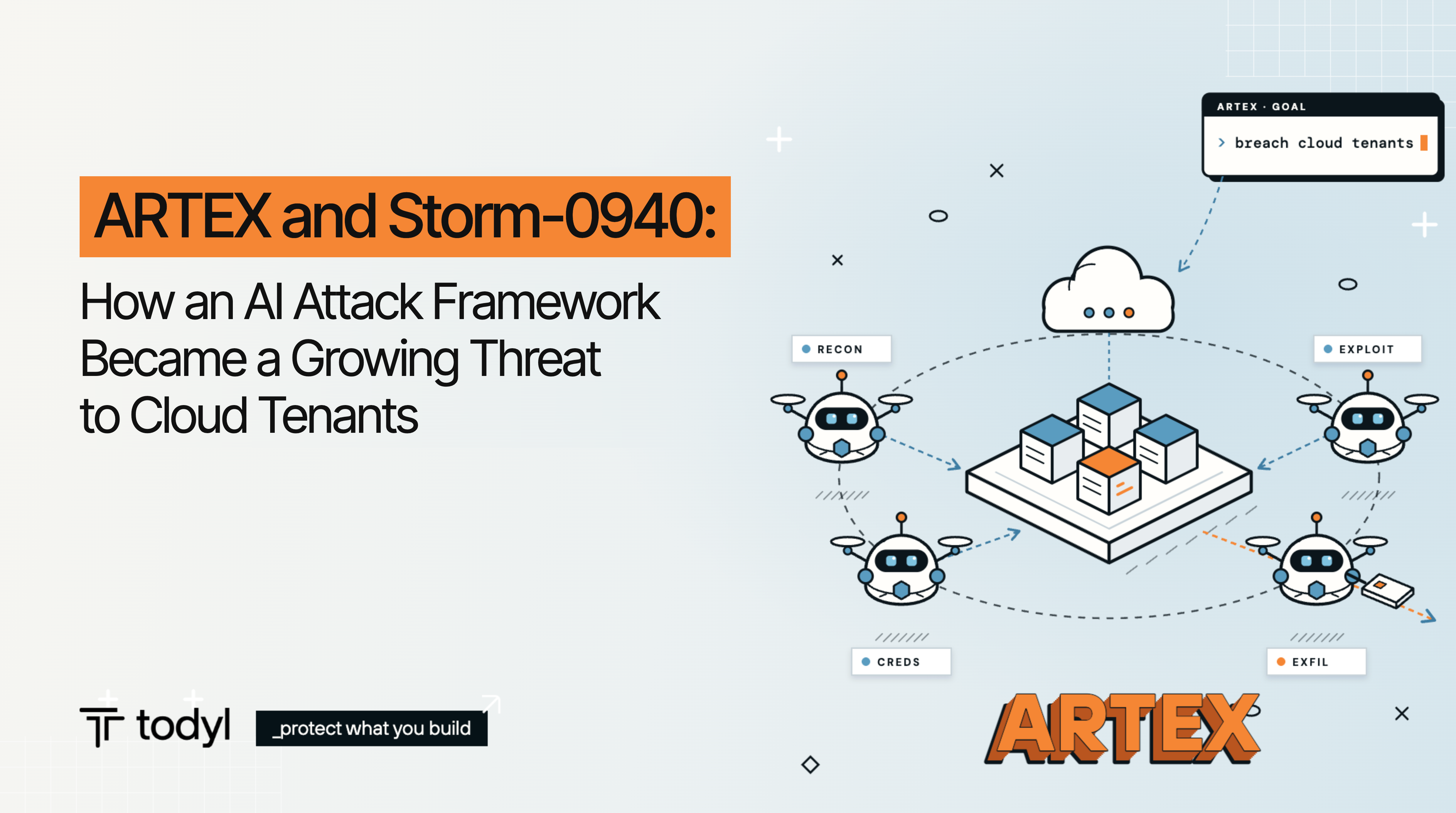
ARTEX is an open-source framework that uses a team of AI agents to run an attack from reconnaissance through data theft with little human input. In October and November of 2026, it was used against Microsoft cloud tenants in at least one high-profile compromise, and Microsoft reports it is now in use by multiple unrelated groups.
The attacks used stolen application credentials and well-known cloud APIs and shortened the time between steps. In one case documented by Microsoft, an agent went from searching GitHub for secrets to exfiltrating data from Azure Key Vault in five minutes. Depending on a person to review logs fast enough to identify an attack operating at this speed is unrealistic.
Finding secrets on GitHub is often easier than organizations assume. Recent research from Apiiro found database passwords, API tokens, and root logins exposed in public GitHub repositories, inside Claude Code settings files that had been committed along with the code. Credentials like these sitting in public repos makes the attack easy.
This post covers what these attacks tell defenders, and how to respond across four areas: seeing the environment, reducing what an attacker can reach, detecting and containing quickly, and being able to show the controls held.
What the ARTEX campaigns tell defenders
- The way in was a credential, not a vulnerability. No Microsoft flaw was involved. The attackers signed in with valid app secrets, many found in public code repositories.
- Machine identities were the target. Both campaigns signed in as service principals. These identities never see an MFA prompt and often carry significant privilege, so user-focused controls do not apply.
- The human review window is gone. The agents corrected failed API calls in 28 to 80 seconds and moved from discovery to data theft in minutes.
- Indicators expire quickly. Key Eater switched to spoofed browser user agents after detections fired, and Microsoft notes agents rotate fingerprints once blocked. IP and client-string blocks buy time, not protection.
- AI tooling is both a target and a source. The agents looked for AI service credentials, and AI coding agents were the largest source of exposed credentials Todyl observed, often keys typed into command lines and captured in logs.
- MSPs face amplified impact. Key Eater moved from a provider's application into the client tenants beneath it. One over-permissioned app at the provider exposes every client it touches.
Visibility: see every identity, including the ones that never log in
You cannot detect activity from an identity you do not know exists, or in logs you are not collecting.
- Collect machine sign-ins. Ingest Entra service-principal and non-interactive sign-in logs, not only user sign-ins. This provides key insights into privileged account activity, interaction, and connections to support investigations and environment mapping, and control. Both ARTEX campaigns would be invisible in a user-only view.
- Keep logs long enough to hunt. Microsoft found Key Eater activity three days before Todyl's first observation, and the hunting window for the ConnectWise campaign extends back to Oct 1 where records allow. Tenants on Entra ID Free keep sign-in records for only seven days, so export them to central storage.
- Inventory non-human identities. Record every app registration, service principal, managed identity and federated credential with a named owner, purpose, credential type and expiry date. Include AI agent identities, model endpoints, MCP servers and data connectors.
- Treat AI usage as a critical telemetry source. API keys carry no sign-in logs. Usage and billing are often the only evidence a key was taken. Take into account how AI is integrated into identity, applications cloud workloads, and workflows for deeper analysis and more accurate detection.
- Look across tenants at once. Correlate identity, endpoint, network and cloud activity, as well as AI usage, in one place and in a single view across clients, so a pattern found in one tenant can be checked against all the others.
Control: reduce what a stolen credential can reach
Credentials will leak. These steps limit the potential impact.
- Control the paths into your environment. Key Eater operated from commercial hosting infrastructure. Put access to management portals, applications and data behind a SASE platform with zero trust network access, so access comes through approved paths and known egress points. Use those egress points as Conditional Access trusted locations for users, apply workload identity Conditional Access to single-tenant apps (this requires Workload ID Premium), and segment devices from one another to block lateral movement.
- Prioritize managed identities over client secrets. Prefer managed identities, then workload identity federation, then certificates stored in a vault. Use Entra app management policies to block new secrets and cap credential lifetimes.
- Treat public exposure as a potential compromise. Microsoft advises treating any credential exposed publicly as compromised, even if it was later edited or deleted.
- Scope application permissions narrowly. Use Sites.Selected instead of tenant-wide SharePoint read, limit app-only mailbox access with an Exchange Online application access policy, assign Azure RBAC at the resource rather than the subscription, and separate the role that reads Key Vault secrets from the role that manages them.
- Remove self-escalation paths. Review apps holding directory write or app role assignment permissions. Watch for administrator privilege requests and apply JIT privelege/Zero Standing approval/enforcement. In the ConnectWise campaign, one management app assigned itself Global Administrator.
- Restrict vaults and storage by network. Limit Key Vault and Storage to selected networks or private endpoints so a stolen secret cannot reach them from outside your environment.
- Remove standing privilege. Replace permanent admin assignments with time-bound, approval-gated access. For MSPs, keep Granular Delegated Admin Privileges (GDAP) relationships least-privilege and time-bound, and remove stale delegations.
- Limit token replay. Require a compliant or hybrid-joined device, or a trusted location, for user sign-ins. Rotating a credential does not invalidate tokens already issued.
- Put guardrails on AI agents. Give each agent its own identity, scope its credentials to the task and privilege necessary to load it at runtime from a secrets manager. A prompt you can use to have the agent build this control itself:
[Suggested Prompt] Create a pre-execution hook that blocks credentials in shell commands, file writes and tool calls. If the hook fails, block the action. Protect the hook and its settings from agent changes. Require credentials to be loaded at runtime from a secrets manager or restricted file. Test the hook with fake secrets only, then report any gaps in coverage.
Cap AI keys. Set quotas and cost alerts on every AI service key, and use identity-based authentication where the service supports it.
Protection: detect on behavior and contain at the attacker's speed
Infrastructure changes. Behavior holds up better. Build detections on patterns, then make sure someone can act on them at any hour.
Response practices:
- Cover nights and weekends. An agent that reaches Key Vault in five minutes does not wait for business hours. Detection needs 24/7 analysts or a provider that supplies them.
- Contain directly. Work quickly to isolate devices, disable service principals, and revoke sessions.
- Contain in the right order. Preserve sign-in, audit and DevOps logs first. Then block in layers, remove every secret, certificate and federated credential on affected apps, rotate every secret in vaults those apps could read, and revoke sessions and tokens.
- Apply relevant detections across clients. Activity found in one tenant should be applied to detection rules across all of them, which catches a campaign moving from one MSP or client to the next.
- Slow the agent down. Microsoft recommends decoys, honeypots and tarpits to absorb automated attack traffic. Only removing the compromised credential reliably stops access.
Proof: be able to show the controls held
After an incident, clients, boards, investors, partners, key business decision makers, insurers, and auditors may ask what an attacker could reach, when it was found, and how fast it was stopped to accurately assess the real risk and potential exposure. The answer has to come from records kept before the incident.
- Review identity and privilege entitlements on a regular schedule. Cover application permissions, app owners, GDAP assignments, AI agent entitlements and credential age. Make account removal the default when nobody claims an entitlement.
- Keep an audit trail of changes. Log credential additions, permission grants and agent tool calls as access events so you can reconstruct who had access to what.
- Measure response. Track time from first alert to containment and report it to clients.
- Map controls to a framework. Tie each control to a recognized framework so you can show coverage to auditors, insurers and boards.
- Know your notification obligations. Client agreements often start the notification clock when access is confirmed. A documented timeline lets you give clients specific dates and actions.
None of these steps prevent a credential from being stolen. They decide how far a stolen credential reaches, how quickly its use stands out and how much remains to clean up afterward.

About Andrew Scott
Andrew is a seasoned Field CISO with over a decade of experience in the cybersecurity and intelligence domains. As an expert in enterprise solutions architecture and security strategy, Managed Security Service Providers (MSSP), and Security Operations Center (SOC) leadership and transformation, Andrew excels in aligning technology solutions with business objectives to enhance organizational security.
His extensive background includes pivotal roles at Leidos, CrowdStrike, and IBM, where he led the development of complex security solutions, managed and led large SOC organizations, and transformed cybersecurity and risk management programs for both Federal and Fortune 500 private sector organizations.
Andrew’s technical expertise spans threat intelligence, SOC operations, Zero Trust implementations, security architecture, and comprehensive threat detection and remediation strategy development. A recognized thought leader, he has contributed to numerous publications and spoken at industry events, sharing his deep knowledge of threat and risk management strategies. Andrew holds several certifications, including CISSP, CRISC and GSTRT certifications.

AI Defense Readiness Assessment
Evaluate your security posture against AI-powered attacks and get recommendations to close any gaps.

Stay on the Cutting Edge of Security
Subscribe to our newsletter to get our latest insights.